


Lotto24 login – how to access your account
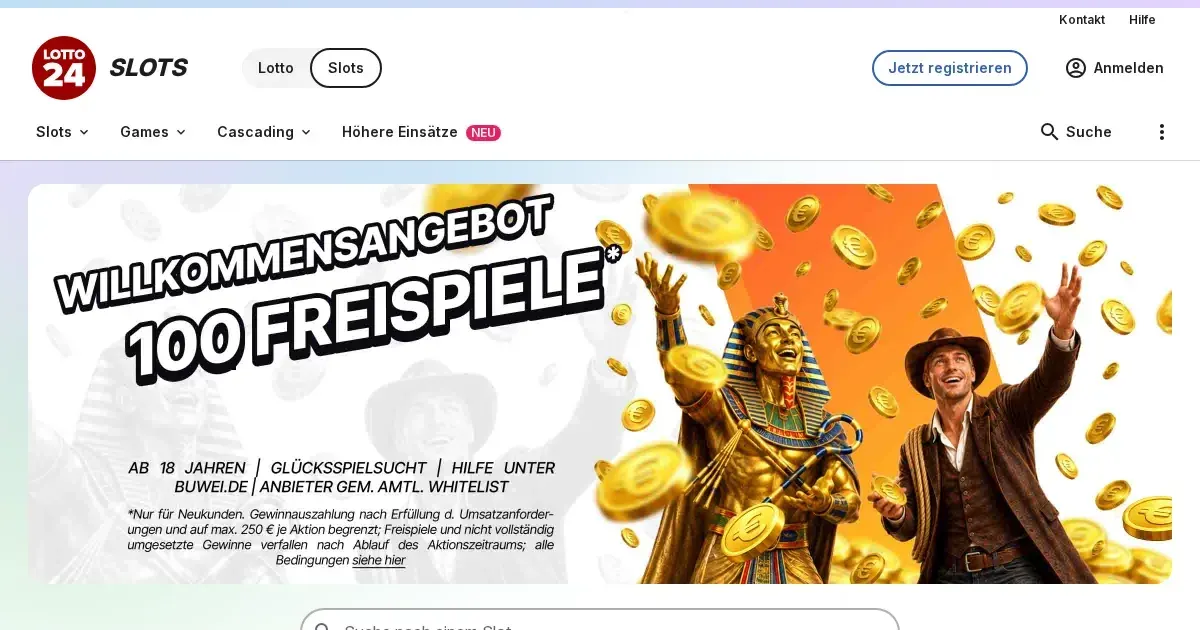
















Your Lotto24 account lives at the operator's own site. We're an independent information portal: we can explain how signing in works, but only the operator can restore access, verify your identity or lift a restriction. For account issues, you'll need to contact their support team directly.
Signing in to your account
Here's the route to your Lotto24 account from any device:
- Open the operator's own website in your browser – type the address or use a bookmark you created yourself, never follow a link from an email or a message.
- Find the sign-in option – the operator provides a button for existing users to access their account.
- Enter the email address you gave at registration and the password you chose.
- Confirm and you're in – your balance, game history and active bonuses load immediately.
No account yet? Registration happens at the operator too, through their sign-up route. You'll set your own monthly deposit limit during that process, capped at 1,000.00 EUR.
The handful of things that go wrong
Most login failures come down to one of these, and each has a fix:
- Wrong credentials – double-check the email address and password you're entering. Caps Lock on? That changes the password completely.
- Unverified account – the operator verifies your identity during registration using SCHUFA-IdentitätsCheck or an alternative method. Until that clears, you can't participate in games.
- Self-exclusion active – if you requested a break through OASIS or a local platform block, that exclusion prevents sign-in for its full duration (minimum 3 months). This is deliberate, not a fault.
- Browser session problem – clear your browser's cache and cookies, then try again. Sometimes an old session sits in the way.
- Regional restriction – the operator accepts players from specific regions only. If you're travelling or using a connection from outside those areas, access is blocked.
Getting back in
Forgotten your password? The operator sends a reset link to the email address on your account. Check your inbox and spam folder – the link arrives within minutes. Click it, choose a new password, and you're back in.
What if the email address you gave at registration is no longer reachable? Contact the operator's support team with proof of identity. They'll verify who you are and update the address on file. That process takes longer than a standard reset, so keep account recovery details current.
Getting in from a phone
Your Lotto24 account works the same on mobile – open the operator's site in any browser (Safari, Chrome, Firefox) and sign in with the same email and password you use on desktop. No separate app credentials, no re-registration.
The operator offers a mobile application with over a million downloads and a 4.7-star rating across major app stores. If you've installed it, sign in there with your existing account details. Balance, bonuses and game progress sync across every device you use.
When the block is deliberate
Some account restrictions exist for safety or regulatory reasons, and they're not login bugs:
| Cause | What happens |
|---|---|
| First withdrawal pending | Full identity verification required before payout clears – upload the documents requested, and access returns once the check completes. |
| OASIS self-exclusion | National ban across all licensed operators for the duration you chose (minimum 3 months, default 1 year if not specified). Cannot be lifted early. |
| Local platform block | You've locked yourself out of this operator's lottery and casino products specifically. Minimum duration applies, set when you requested it. |
| Third-party exclusion | Someone who knows you submitted a ban request with evidence. If enforced, it lasts at least 1 year. |
| 24-hour timeout | You pressed the mandatory break button. Access returns automatically after 24 hours – no action needed from you. |
If a self-exclusion is in force and you're struggling, free confidential support is available at GamCare (National Gambling Helpline: 0808 8020 133, 24/7) and BeGambleAware. The page stays here when you're ready.
The right door for help
For account problems – a login that won't work, a password reset that hasn't arrived, a verification hold – contact the operator's support team:
- Email: [email protected]
- Phone: 040 299 960 996 (Monday to Saturday, 10:00–19:00)
- Live chat: available through the operator's site
- Contact form: also on their website
What to have ready before you write: the email address on your account, when the problem started, and the exact message shown on screen if there is one. That detail gets you a useful first reply instead of a round of back-and-forth.
Keeping access safe
A few habits protect your account better than any security feature the operator can build:
- Sign in only at the operator's own address – typed into the browser or reached through a bookmark you created yourself. Never follow a link in an email, even one that looks legitimate.
- Use a password you don't use anywhere else. If another site leaks passwords, yours stays safe here.
- Sign out when you're done, especially on a device someone else uses. A session left open is an account left open.
This site is for players aged 18 and over (18+). Gambling should be entertainment, not a burden. For free, confidential support in the UK, visit BeGambleAware.org or call the National Gambling Helpline on 0808 8020 133.
Last updated:
Frequently asked questions
What do I need to sign in to my Lotto24 account?
You need the email address you gave at registration and the password you chose during sign-up. Both are case-sensitive, so check Caps Lock is off.
Can I sign in to Lotto24 from my phone?
Yes – open the operator's site in any mobile browser and use the same email and password as on desktop. If you've installed the Lotto24 app, sign in there with your existing account details.
What should I do if I've forgotten my password?
Use the operator's password reset route – they'll email a reset link to your registered address. If that email address is no longer reachable, contact their support team with proof of identity to update it.
Why can't I access my account even with the correct password?
Your account may need verification, or a self-exclusion or 24-hour timeout could be active. Check for error messages on screen and contact the operator's support if the cause isn't clear.
Game Providers