


Lotto24 Mobile – Browser-Based Slots on Any Device
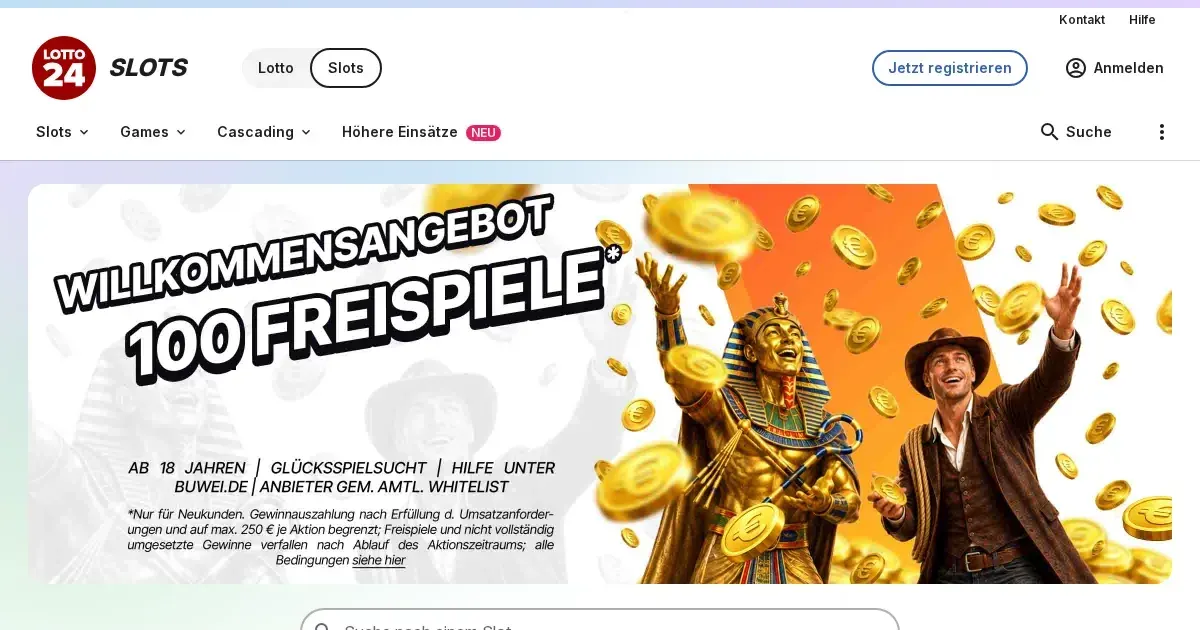
















Lotto24 runs entirely in your mobile browser, giving you access to the full slot library without installing anything. Your desktop account works the same way on your phone – same balance, same verification, same limits.
Mobile at this operator
Lotto24 keeps all 838 slots available through your phone's browser. Load the site, sign in with the credentials you already have, and the games appear the way they do on desktop. No separate mobile account exists – your monthly deposit limit, verification status and responsible gambling controls carry across.
The platform detects your screen size and adjusts the layout. The main lobby still lists providers and categories; tapping a tile opens the game in portrait or landscape. Swiping between games works the way you would expect, and the return-to-lobby button stays visible at the top.
Installed app versus site in a browser
The operator runs no native iOS or Android application. Everything happens in Safari, Chrome or whatever browser your device uses. That means no app store download, no separate login flow, no version updates to manage. It also means you need a stable connection – the browser reloads the page if your signal drops, though your session usually survives a brief interruption.
| Access method | What you get |
|---|---|
| Mobile browser | All 838 slots, cashier, support, verification |
| Native app | Not offered |
Type the site address into your phone's browser, bookmark it if that helps, and sign in. The homepage loads with the same layout you see on desktop, scaled for touch. Portrait mode works for browsing; landscape suits the slots better once you pick one.
Day-to-day use
We tested slots from Play'n GO, Swintt and Wizard Games on a phone. The spin button responds to a tap without delay, and autoplay controls appear where you would look for them. Graphics scale cleanly – the Myth of Dead symbols stay sharp on a 6-inch screen, and Le Cowboy's animations run smoothly at the capped 1.00 EUR bet.
The cashier opens from the top menu. SEPA, Klarna, card and PayPal all appear as deposit options, with the same minimums and timings listed on desktop. Card deposits confirm instantly; the 1.25 EUR minimum still applies. Withdrawal requests go through the same form – no mobile-specific limits or delays change what the main site publishes.
Support channels work identically. The contact form loads in the browser, and the service hotline number (040 299 960 996) is a tappable link. Live chat opens in a Zendesk widget that overlays the page. Email ([email protected]) handles longer queries the same way it does from desktop.
The parts you interact with most
- Game lobby with provider and category filters
- Deposit and withdrawal forms, card and account details fields sized for thumbs
- Balance and wagering progress visible at the top of every game
- Mandatory 5-minute reality check after 1 hour of play
Known limits
Small screens compress the layout. The game library shows fewer tiles per row, so scrolling through 838 slots takes longer than it does on desktop. Switching between the lobby and an open game means reloading the page – there is no picture-in-picture or quick-return widget.
Portrait mode narrows the game window. Slots with dense paytables or multi-level bonus features feel cramped in that orientation; landscape fits them better but shrinks the available height. Touch controls occasionally register a double-tap as two separate spins – that costs you twice the stake if you are not careful with the button.
Browser tabs share your phone's resources. Running Lotto24 alongside several other open tabs or memory-heavy apps can slow the spin animation or delay the outcome render. Closing unused tabs helps, as does restarting the browser if the site starts to lag.
What gets worse on a small screen
The terms and conditions link at the footer is harder to tap accurately on a phone. Bonus wagering breakdowns and game contribution lists render as long, scrollable text blocks – readable, but tedious to navigate with your thumb. Verification upload forms work, though photographing an ID in good light and cropping it to the required format takes more effort than scanning a document at a desk.
What to check first
Playing on a device you carry everywhere changes how gambling fits into your day. A few practical steps keep the session under your control rather than the other way around.
- Set your deposit limit before you open a game. Lotto24 enforces a mandatory monthly cap of 1,000.00 EUR, and you chose your own ceiling within that range during registration. Check what it is set to now – tightening it takes effect immediately, relaxing it waits 7 days.
- Confirm you are on the operator's own address. The site runs at its published domain; anything close but slightly different is a phishing attempt. Bookmark the real page so you tap the right link every time.
- Sign out when you finish. Leaving the session open on a shared or borrowed phone gives the next person access to your balance and deposit methods. The logout button sits in the top menu – use it.
- Watch your battery and connection. A dying phone or a weak signal interrupts the game mid-spin, and while your stake usually returns, confirming the outcome takes longer. Play when you have time and power to finish.
The operator's reality check pauses play every hour, asking you to confirm you want to continue. That 5-minute break is mandatory and works the same way on mobile as it does on desktop. If the interruption feels intrusive, it is doing what it is meant to – giving you a moment to decide whether another hour is still entertainment.
Responsible play on a device you always carry
A phone in your pocket turns every idle moment into a potential session. That convenience is the point, but it also removes the natural friction that desktop play carries – you have to sit down, open a browser, type the address. On mobile, two taps and you are spinning.
Lotto24's 24-hour timeout button stays visible in the top menu on every screen, mobile included. Tap it and your account locks for a full day – no games, no deposits, no way around it until the timer expires. The self-exclusion options work identically on mobile: a 3-month minimum through OASIS, or a local platform block that also covers the operator's lottery products.
If gambling stops feeling like a choice you make and starts feeling like something you do because the app is there, free and confidential support is available at BeGambleAware.org or through the National Gambling Helpline on 0808 8020 133, available 24/7. You can also reach GamCare or set up blocking software like Gamban or BetBlocker to remove the temptation entirely.
Access to this site is restricted to persons aged 18 and over (18+). Gambling should be entertainment, not an obligation – for free, confidential help, visit BeGambleAware.org.
Last updated:
Frequently asked questions
Does Lotto24 have a mobile app for iOS or Android?
No, Lotto24 runs entirely in your mobile browser. There is no native app to download from the App Store or Google Play.
Can I deposit and withdraw from my phone?
Yes, the cashier works the same way on mobile as it does on desktop. SEPA, Klarna, card and PayPal are all available, with the same limits and timings.
Do I need a separate account to play on mobile?
No, your desktop account works on mobile without any changes. Your balance, deposit limits and verification status carry across automatically.
What happens if my connection drops mid-spin?
The browser reloads the page, and your session usually survives a brief interruption. Your stake is typically returned if the outcome did not register, though confirming the result takes longer.
Game Providers